Windsurf
Antenna automatically tracks AI coding metrics directly from Windsurf’s APIs, giving you insight into adoption, activity, and the impact of Windsurf on your team’s productivity.
Prerequisites
- You must be an admin in your Windsurf team account
- Individual Level Analytics must be enabled in your Windsurf settings
Setup
- Navigate to Windsurf Team Settings
- Scroll to Service Key Configuration and click Configure
- Generate a service key and copy it
- Navigate to Settings > Sources > Add source in your Antenna account
- Find Windsurf and click Connect
- Paste your service key
- Click Connect
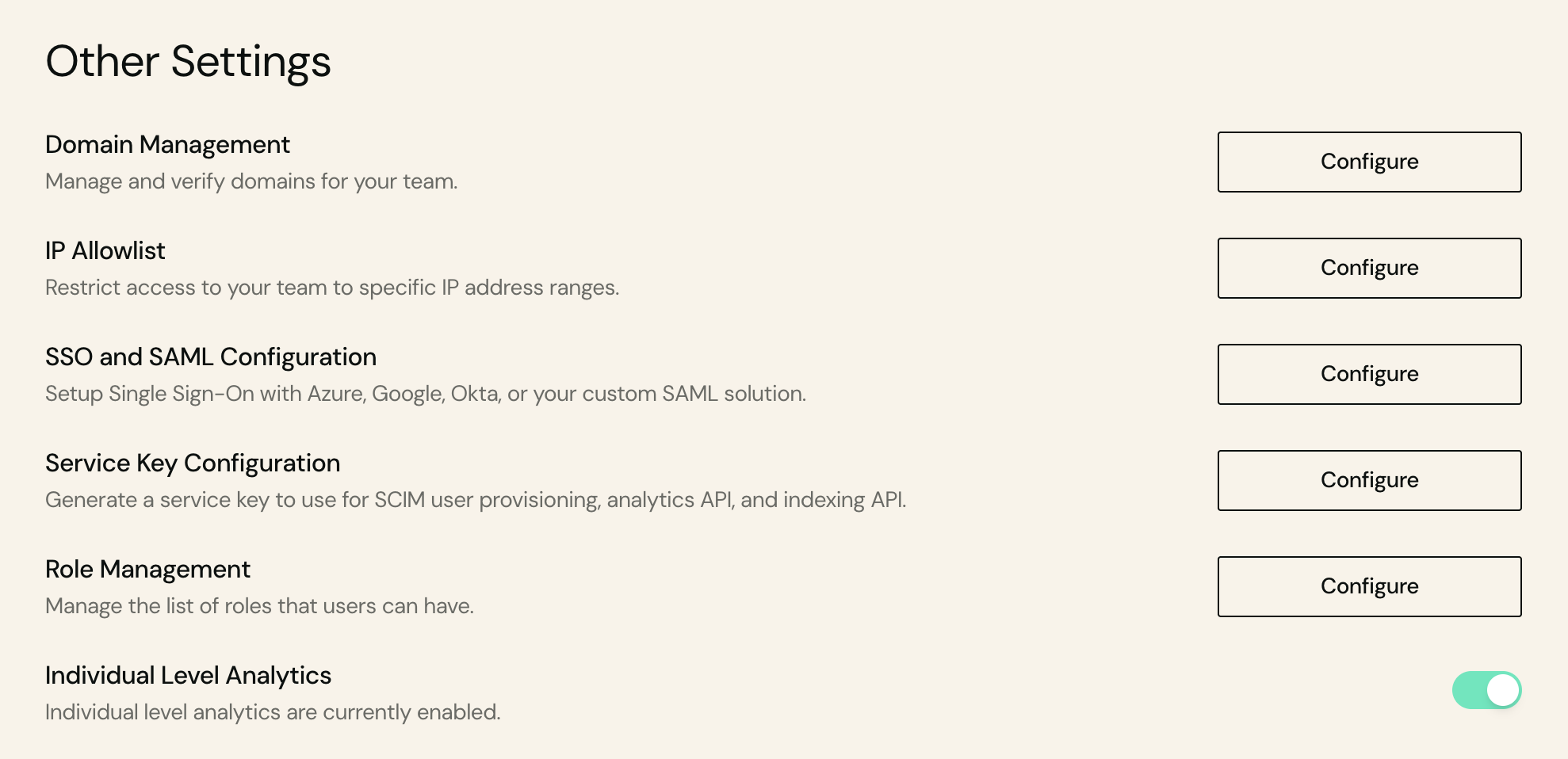
Enable Individual Level Analytics
To ensure Antenna can collect detailed analytics data:
- Navigate to Windsurf Team Settings
- Scroll to Individual Level Analytics
- Toggle the setting to enable it
Without Individual Level Analytics enabled, Antenna will not be able to track detailed usage metrics for your groups and team members.
Data collected
We pull from the Windsurf API (https://server.codeium.com):
| Purpose | Endpoint |
|---|---|
| Per-user add-on credit caps | POST /api/v1/GetUsageConfig |
| Cascade (agent) activity per user | POST /api/v1/CascadeAnalytics |
For full API documentation, see the Windsurf Admin API .
Last updated on