Augment Code
Antenna automatically tracks AI coding metrics from Augment Code by pulling data from Augment Code’s APIs. You get insight into adoption, activity, and the impact of Augment Code on your team’s productivity.
Note
The Analytics API is currently available exclusively to Augment Code Enterprise customers.
Setup
- Create an Augment Code service account and generate an API token by following the instructions in the Augment Code documentation .
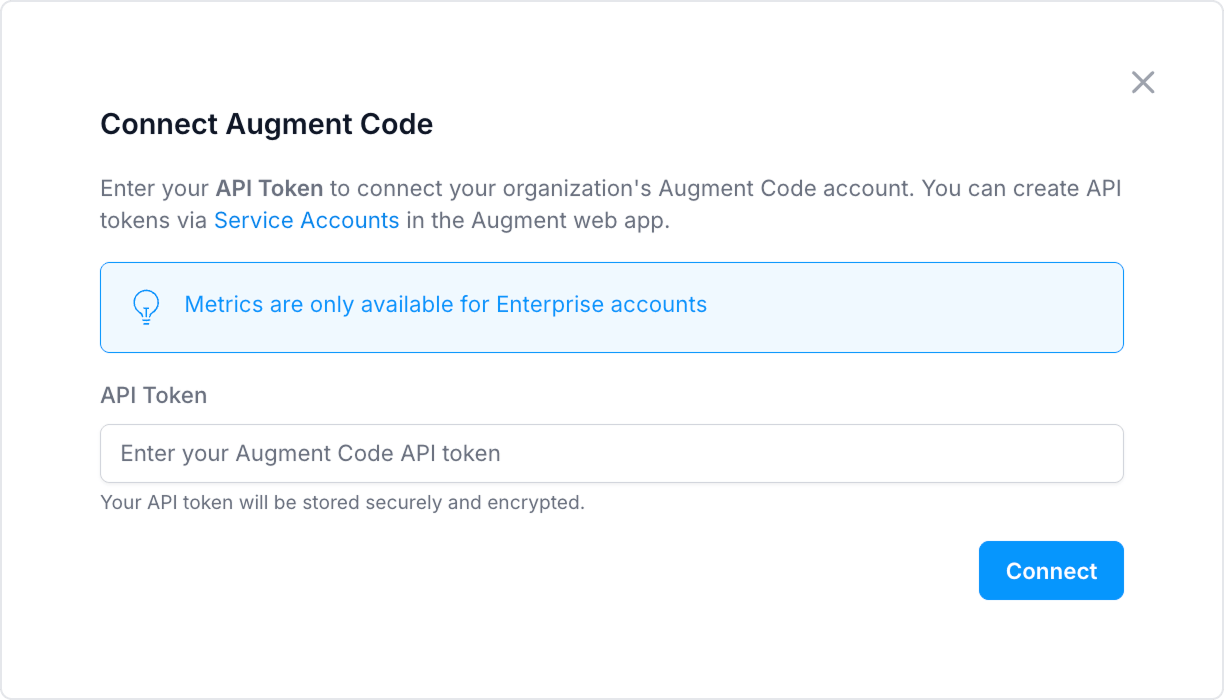
- In Antenna, go to Settings > Sources > Add source.
- Find Augment Code and click Connect.
- Paste your API key.
- Click Connect.
Data collected
We pull from the Augment Code Analytics API (https://api.augmentcode.com):
| Purpose | Endpoint |
|---|---|
| Credit usage per user | GET /analytics/v0/credit-usage-by-user |
| Daily activity by editor and language | GET /analytics/v0/daily-user-activity-by-editor-language |
| Cost analytics (tokens, billing) | POST /analytics/v0/cost-analytics |
| Per-user budget overrides | POST /analytics/v0/get-user-budget-overrides |
For full API documentation, see the Augment Code Analytics API reference .
Last updated on